Designing with Canva Frame Alphabet: A Creative Guide
Understanding the Canva Frame Letter Concept
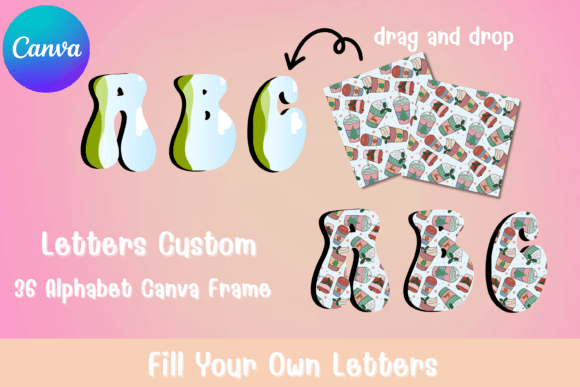
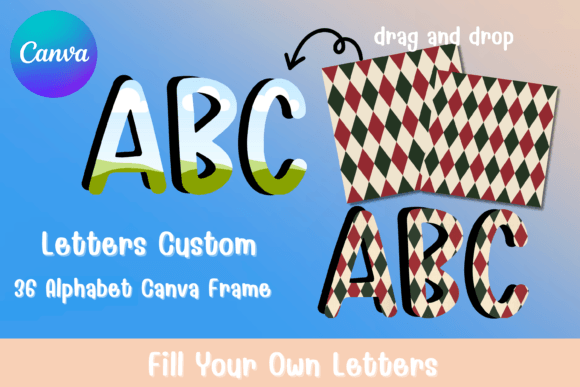
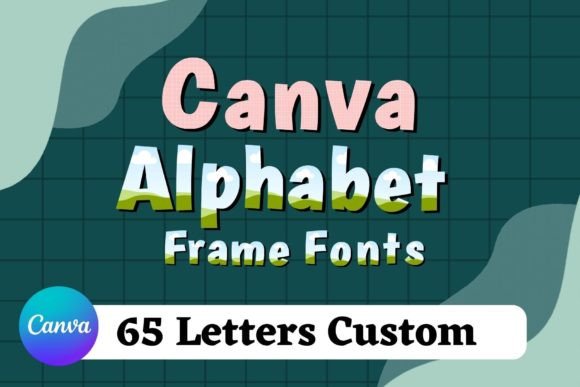
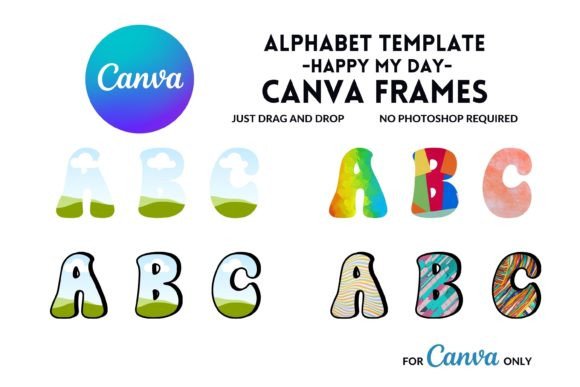
The Canva Frame Alphabet introduces a refreshing approach to typography by combining structured letterforms with customizable frame elements. Unlike traditional display fonts that simply fill space with characters, these templates invite you to participate in the design process. Each letter arrives as an editable outline, ready for you to fill with textures, images, patterns, or colors that match your specific project needs.
What makes this approach particularly compelling is the flexibility it offers. You're not locked into a single visual style. The frame structure provides consistency while the fill options let you adapt the letters for seasonal campaigns, brand-specific palettes, or thematic projects. Think of it as a typographic skeleton waiting for your creative input.
Where These Editable Templates Shine
Small business owners frequently use Canva Frame Letters for product packaging that needs to stand out on crowded shelves. The ability to incorporate brand colors and imagery directly into the letterforms creates a cohesive look that reinforces brand identity without requiring expensive custom typography work.
Content creators and bloggers find these templates especially useful for social media graphics. Instagram stories, Pinterest pins, and YouTube thumbnails benefit from bold, eye-catching text that doesn't look generic. When you drag and drop your own photos or patterns into the frame letters, you create graphics that feel intentional and polished rather than templated.
Event planners and marketers appreciate the versatility for seasonal promotions. Holiday sales, wedding invitations, birthday announcements, and corporate event materials all benefit from customized typography that reflects the specific mood and theme of each occasion.
Practical Applications Across Industries
The commercial use license opens doors for entrepreneurs who need professional design assets without ongoing subscription costs. Print-on-demand sellers can incorporate these customized letters into merchandise designs. Etsy shop owners create unique branding materials. Real estate agents design property flyers with distinctive headers that capture attention.
Editorial designers working on magazine layouts, book covers, and newsletter headers find that frame-based letters add visual interest without overwhelming accompanying content. The structured outlines maintain readability while the customizable fills add personality and depth to page layouts.
Making the Most of Your Canva Frame Alphabet
Start by considering your project's overall tone before selecting fill options. A nature photography blog might fill letters with landscape images, while a tech startup could use geometric patterns in their brand colors. The frame structure works across these vastly different contexts because the underlying letterforms remain clear and recognizable.
Font pairing becomes straightforward when working with these templates. Since the frame letters serve as display typography, pair them with clean sans serif fonts for body text or simple serif fonts for a more traditional feel. The key is letting the customized frame alphabet serve as your visual anchor while supporting text remains understated.
Test readability at various sizes before finalizing your design. While the frame concept offers creative freedom, some fill choices might reduce legibility at smaller scales. Busy patterns or low-contrast images within the letters can muddy the overall effect. Simple, high-contrast fills typically work best for text that needs to communicate quickly.
Getting Started with Your Editable Template
Once you receive your PDF with the Canva link, you'll access a fully editable template within the free Canva editor. The drag and drop interface makes customization accessible even for those without extensive design experience. Each letter operates as an independent element, allowing you to adjust fills, resize, and reposition as needed.
Remember that computer editing generally provides more precision than mobile devices, though the Canva app handles these templates capably for quick adjustments on the go. Save your customized versions as templates within your Canva account to streamline future projects and maintain consistency across multiple design pieces.
The Canva Frame Alphabet represents a practical middle ground between hiring a custom designer and settling for off-the-shelf fonts that everyone else uses. It puts creative control directly in your hands while providing the structural foundation that ensures professional results.