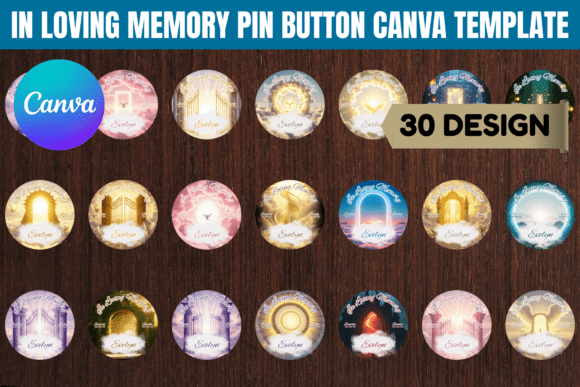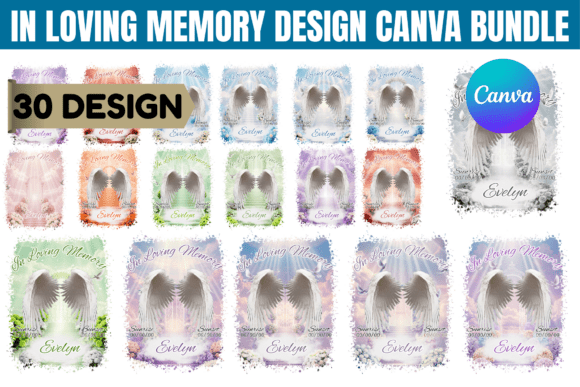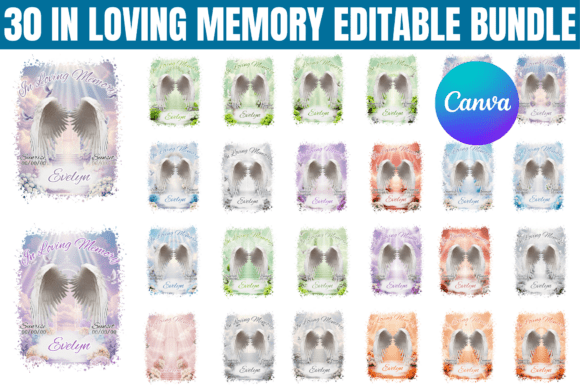
In Loving Memory Funeral Button Template: A Guide
Creating a tangible piece of remembrance is a deeply personal act. When you’re planning a funeral, memorial service, or celebration of life, the small details carry immense weight. A pin button, worn by family and friends, becomes a shared symbol of love and loss. The challenge lies in designing something respectful, beautiful, and personal without adding stress during an incredibly difficult time. This is where a thoughtful, pre-designed template bundle steps in, offering a foundation of care and quality that you can then personalize with your own memories.
Understanding the Template's Design Philosophy
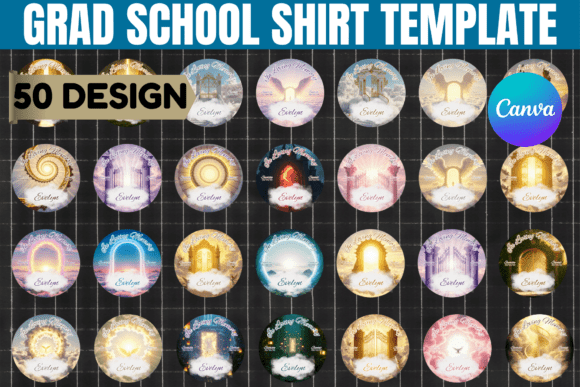
An In Loving Memory Funeral Button Template isn't just a pre-made graphic; it's a carefully considered design system built for sensitivity and clarity. The visual personality of these templates typically leans into a serif font for the main text. Serifs, with their small projecting features at the ends of letter strokes, evoke tradition, dignity, and permanence—qualities essential for memorial contexts. This choice ensures the name and dates feel anchored and timeless.
Paired with the serif is often a sans serif font for secondary information or a delicate script font for a single, impactful word like "Remembered" or "Forever." This combination creates a clear visual hierarchy. The eye is guided naturally from the name to the dates, and then to the supporting text or imagery. The overall appeal is one of clean, respectful layouts that avoid visual clutter, allowing the memory of the individual to be the focal point. The color palettes are muted and elegant—think soft grays, creams, navy blues, or gentle pastels—that convey peace and solemnity without being somber.
Practical Applications Beyond the Button
While designed for round pin buttons, the utility of a well-constructed Memorial Pin Button Canva Template extends into numerous other projects. This is where the bundle's value multiplies for designers, event planners, and small business owners offering memorial services.
- Digital Tributes & Social Media Graphics: The same design can be exported as a high-resolution image for a Facebook memorial page, a tribute Instagram post, or a digital program cover. The consistent brand identity across physical and digital elements creates a cohesive, professional experience for attendees.
- Print Collateral: The template serves as a starting point for thank-you cards, bookmark keepsakes, or small inserts for memorial programs. Adjusting the dimensions in Canva is straightforward, allowing you to maintain design consistency across all printed design assets.
- Event Branding for Professionals: Funeral homes, celebrants, and event organizers can use these templates as a base service offering. By customizing them for each family, they provide a valuable, personalized product efficiently, demonstrating care and attention to detail that enhances their brand perception.
Making the Template Your Own: A Step-by-Step Approach
The power of this bundle lies in its editability within Canva. Here’s how to approach the customization process thoughtfully.
- Start with the Story: Before you open the file, gather the essentials: the full name, birth and passing dates, a favorite photo, and perhaps a short phrase or quote that defined them. This narrative focus will guide your design choices.
- Evaluate and Simplify: Open the template in Canva. Resist the urge to change everything at once. First, assess the existing font pairing. Is the serif for the name elegant enough? Does the script accent word resonate? Swap fonts only if the existing ones clash with the personality of the person you're honoring. Canva’s free account offers a solid selection of premium font alternatives.
- Color and Imagery: Use the color picker tool to match the template's tones to a meaningful color—a favorite sweater, a beloved flower. When adding a photo, use Canva’s built-in filters to desaturate it slightly or apply a soft vignette to help it blend seamlessly with the design's muted aesthetic, ensuring readability of the overlaid text.
- Test for Readability: Zoom in and out. View the design at the actual print size (typically 2.25" or 3" for buttons). Ensure the name is legible at a glance. If the text feels crowded, slightly reduce the font size or adjust the tracking (letter spacing) in the text editing toolbar. A design that looks good on screen must be functional in hand.
- Consider Commercial Use: For entrepreneurs and designers, it's crucial to understand the licensing. This bundle is intended for personal and commercial use in creating end products for clients. You cannot resell the template files themselves. This allows you to confidently offer a customized memorial button design service as part of your brand identity or event planning packages.
The goal of using an In Loving Memory Funeral Button Template is not to outsource emotion, but to provide a stable, beautiful framework. It handles the technical and aesthetic heavy lifting—ensuring professional typography, balanced composition, and print-ready resolution—so you can pour your energy into the meaningful part: filling that frame with the unique story of a life well-lived. It transforms a moment of potential overwhelm into an act of focused, heartfelt creation.