Canva Salads Book Template: Your Fresh Start in Food Publishing
There’s a unique kind of pressure that comes with putting your recipes out into the world. You’ve spent time testing ingredients, perfecting flavors, and capturing that one beautiful shot of a vibrant grain bowl. But turning that passion into a polished, professional book? That’s a different challenge entirely. Many food bloggers and chefs find themselves stuck between a love for cooking and the technical demands of layout design, typography, and print-ready file preparation. This is precisely the gap the Canva Salads Book Template was designed to fill.
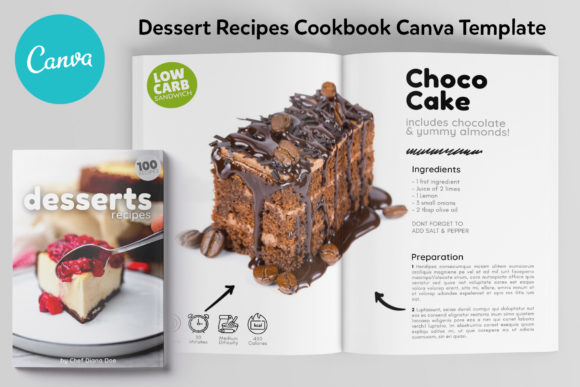
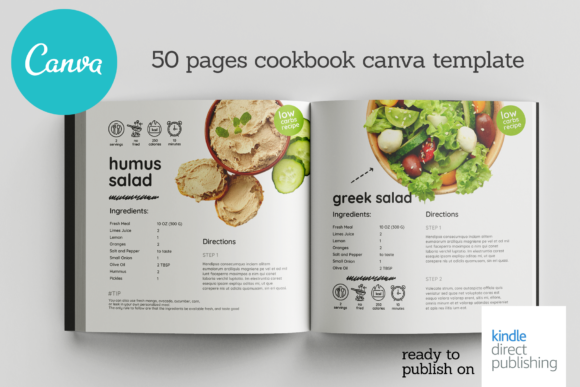
This isn’t just another generic cookbook template. Think of it as a carefully crafted foundation for your culinary voice. The visual personality is clean, modern, and refreshingly approachable. It avoids overly ornate flourishes or distracting backgrounds, instead using ample white space to let your food photography and recipe text breathe. The style leans into contemporary editorial design—think of a minimalist food magazine you’d find on a stylish coffee table. Its overall appeal lies in its versatility; it feels equally at home for a plant-based blogger, a meal-prep entrepreneur, or a chef building a personal brand. The design supports your content without overshadowing it, creating a seamless experience for your reader.
Where This Template Truly Shines
The strength of a good design asset is its adaptability across different projects. The Canva Salads Book Template is built for more than just a printed book. Its clean layout system and professional structure make it a powerful tool across a spectrum of creative and commercial endeavors. For a food blogger, it’s the direct path to creating a lead magnet or a digital recipe book to grow an email list. For a small business owner running a meal-prep service, it becomes a branded catalog or a client gift that reinforces their brand identity with every page turn.
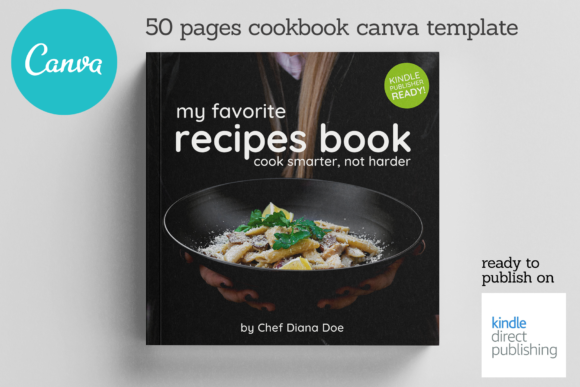
Consider its applications in publishing and digital marketing. The template is fully optimized for Kindle Direct Publishing (KDP), removing the guesswork about bleed, margins, and file formats. But its utility extends far beyond a single book. Use the master pages to create consistent social media graphics for Instagram, designing quote cards or recipe highlights that visually tie back to your publication. The same design language can inform your web design for a recipe blog, ensuring your online presence and your printed material speak the same visual dialect. This consistency is key to building recognition and professionalism, whether you’re designing packaging for a product line or creating editorial content for a magazine feature.
The Practical Path from Template to Published Book
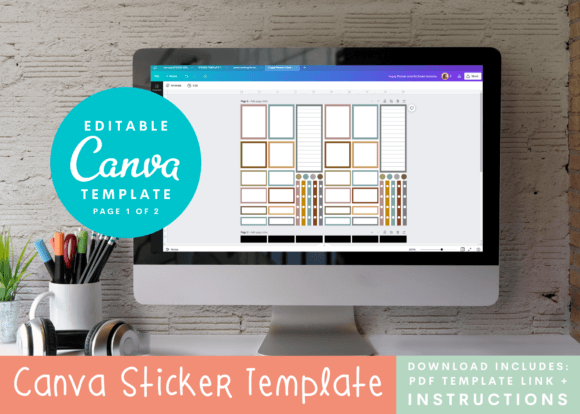
Getting started is deliberately straightforward, which is part of its practical value. All you need is a free Canva account. The delivery includes a simple notes file with direct links to the master templates. You click the link, the template opens in your Canva dashboard, and you can begin. The process is designed for efficiency: duplicate pages, drag and drop your images, and edit the text blocks. The 8.5x8.5 inch page size is a popular choice for modern cookbooks, offering a square format that’s visually balanced and friendly for both print and digital viewing.
A key part of working with any template is making it your own. This is where you move from using a design to mastering it. Evaluate the included styles—the template likely features a thoughtful font pairing of a serif font for body text (ensuring readability for ingredient lists) and a sans serif or script font for headings to add personality. Test these pairings with your own content. Does the hierarchy feel clear? Can a reader quickly scan a recipe? The template’s structure guides you, but your eye for your specific content is what will make it successful. Pay attention to readability; the fonts chosen are selected for clarity, but always preview your pages at 100% zoom to ensure text is legible, especially in a printed format.
Beyond the Book: Maximizing Your Design Investment
The true ingenuity of this offering is its holistic approach to a project. The Canva Salads Book Template comes with a significant bonus: 40 matching Instagram templates. This isn’t an afterthought; it’s a strategic design asset. Promotion is often the most daunting part of publishing. Having a suite of pre-designed social media graphics that align perfectly with your book’s visual brand eliminates that hurdle. You can announce your book launch, share recipe snippets, and engage your audience with graphics that look intentionally crafted, not hastily thrown together.
This integration between your core product (the book) and your marketing materials (the Instagram templates) creates a cohesive brand experience. It influences audience perception, signaling that you are a serious creator who pays attention to detail. For entrepreneurs and small business owners, this consistency builds trust. It shows that your brand identity extends beyond a single product into a thoughtful, professional presentation. Whether you’re a crafter sharing a niche recipe collection or a marketer building a personal brand, this template system provides the design infrastructure to do it with polish and confidence. It turns the daunting task of publishing into a manageable, even enjoyable, creative process.